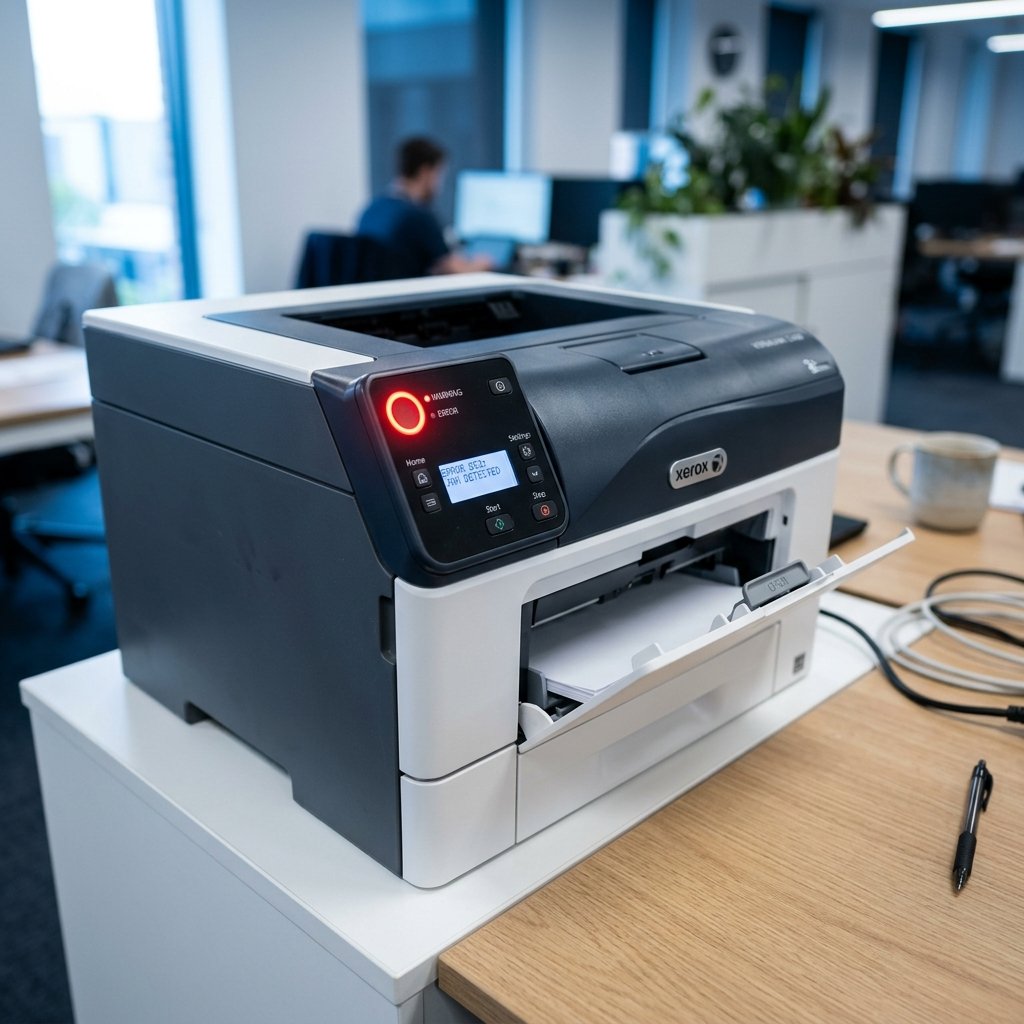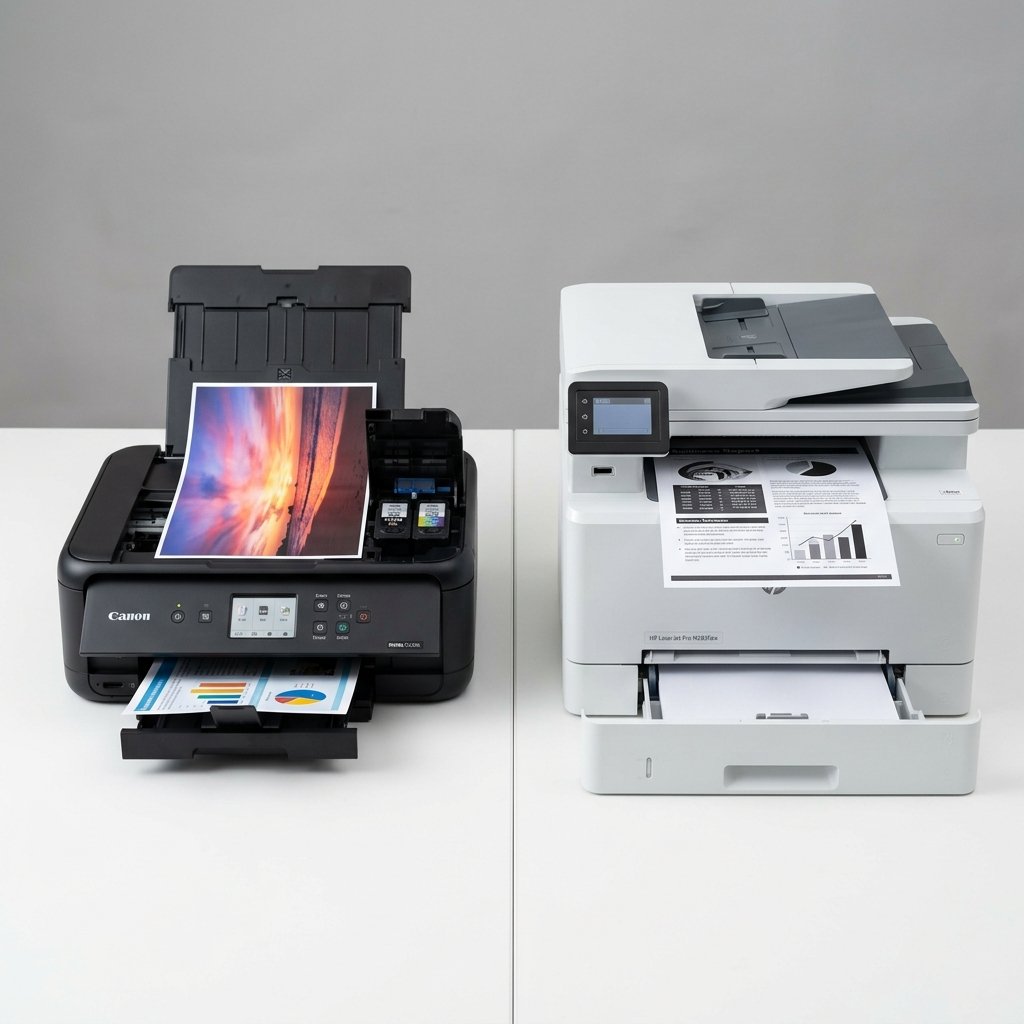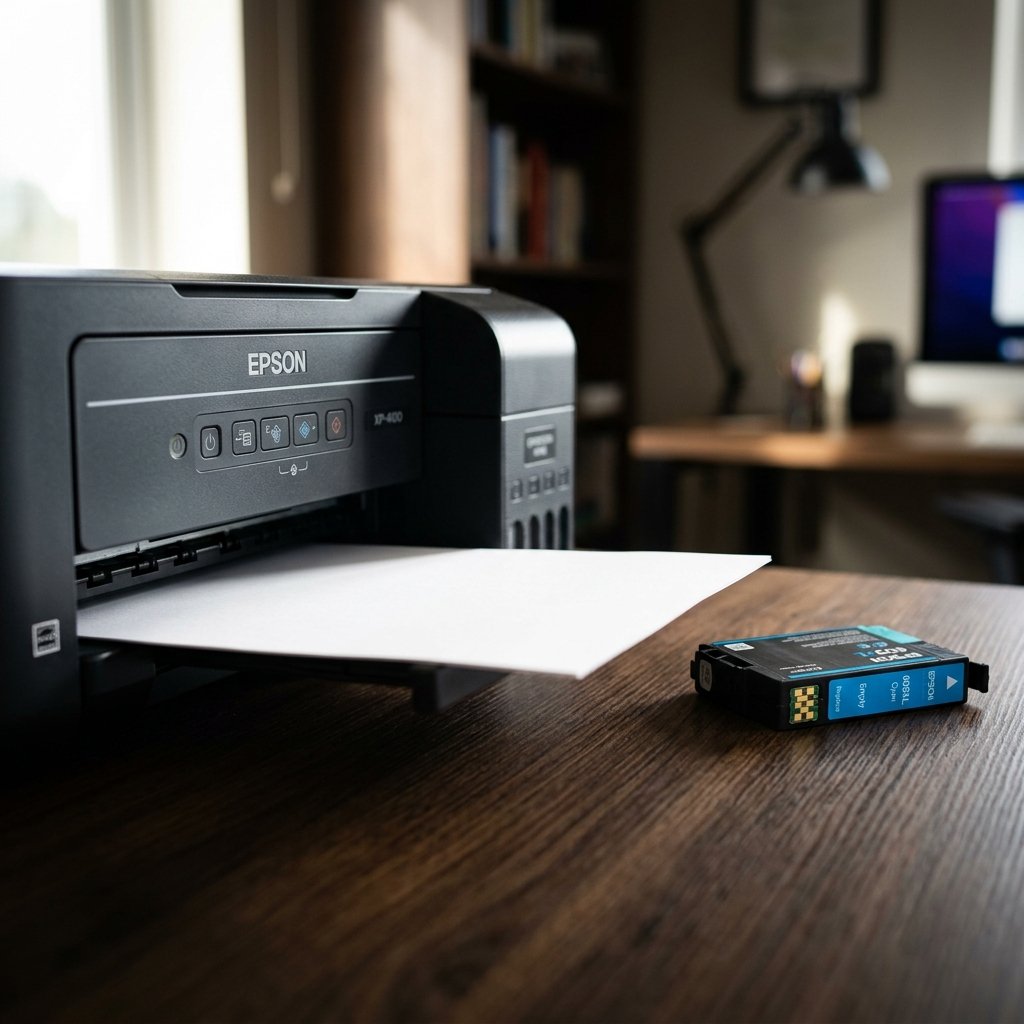
Few things are as frustrating as pressing print and receiving a completely blank sheet of paper. This issue affects both inkjet and laser printers and has several distinct causes — all of which are fixable.
1. Empty or Incorrectly Installed Ink Cartridge
The most obvious cause: you've run out of ink. Check the ink levels via your printer's software or control panel. If a cartridge is new but printing blank, it may be improperly seated. Remove it, inspect the contact points for protective tape (many new cartridges ship with a seal over the nozzles — this must be removed), and reinstall firmly.
2. Clogged Printhead
Inkjet printers rely on tiny nozzles to deposit ink. If the printer sits unused for extended periods, ink dries and clogs these nozzles. Run the printhead cleaning utility two or three times through your printer software. After cleaning, print a nozzle check pattern to verify all channels are open.
3. Wrong Paper Type Selected
If the printer settings specify glossy or photo paper but plain paper is loaded, the printer may not apply ink correctly. Ensure your print settings match the paper type in the tray.
4. Toner Cartridge Issues (Laser Printers)
For laser printers, a blank page often means the toner drum has reached the end of its life, or the toner cartridge is nearly empty. Remove the toner cartridge and gently shake it side to side to redistribute remaining toner — this can extend its life for a few hundred more pages. If the drum unit is faulty, it will need replacement.
5. Corrupted Print Driver
A corrupted or outdated printer driver can send incorrect commands to the printer, resulting in blank output. Uninstall the current driver completely, download the latest version from the manufacturer's site, and reinstall.
6. Document or File Issue
Sometimes the problem is the document itself. If a Word file or PDF has white text on a white background, or the content is outside the print area, pages will appear blank. Try copying the content into a new document and printing from that.
7. Damaged Printhead (Inkjet)
If the printhead is physically damaged, no amount of cleaning will fix it. Some models allow printhead replacement; others require professional service. Check your printer's documentation.
Prevention Tips
Print at least one page per week to keep ink from drying. Store cartridges in a cool, dry place. Use your printer's power button (not the power strip) to shut it down — this parks the printhead correctly and caps the nozzles.
Conclusion
Blank pages are usually caused by cartridge, printhead, driver, or document issues — all of which are diagnosable and fixable at home. Systematic troubleshooting will identify the culprit and restore normal printing.