A home printer that performs consistently saves you time and keeps your documents looking sharp. Whether you use it occasionally for school assignments or daily for remote work, these tips will keep your printer running at its best.
1. Keep Drivers Updated
Printer manufacturers regularly release driver updates that fix bugs and improve performance. Check the manufacturer's website or use Windows Update to ensure you have the latest drivers installed. Outdated drivers are one of the leading causes of slow or erratic printing.
2. Choose the Right Print Quality Setting
Most home users print everyday documents — emails, forms, recipes — that do not require the highest resolution. Switching from "Best" to "Normal" or "Draft" quality dramatically speeds up printing and conserves ink. Reserve high-quality settings for photos and important presentations.
3. Use the Correct Paper
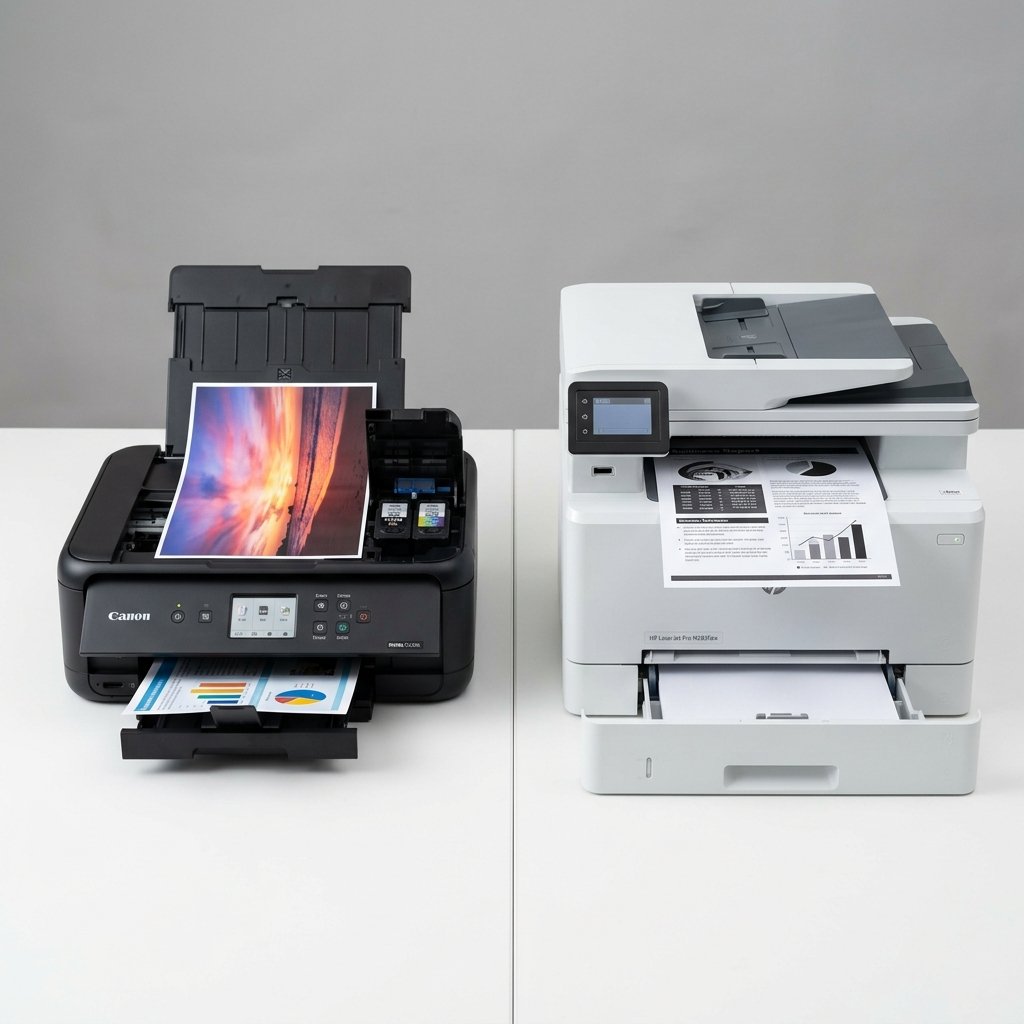
Using the right paper type for your printer makes a significant difference. Inkjet printers perform best with inkjet-optimized paper; laser printers require laser-compatible sheets. Using the wrong paper causes smearing, jams, and poor output. Always load paper according to the tray capacity guidelines.
4. Clean the Printhead Regularly
For inkjet printers, the printhead can clog if not used regularly. Most printers have a self-cleaning function in the settings menu — run it monthly if you print infrequently. If quality is still poor after cleaning, run the nozzle check pattern to identify which colors are blocked.
5. Position Your Printer Correctly
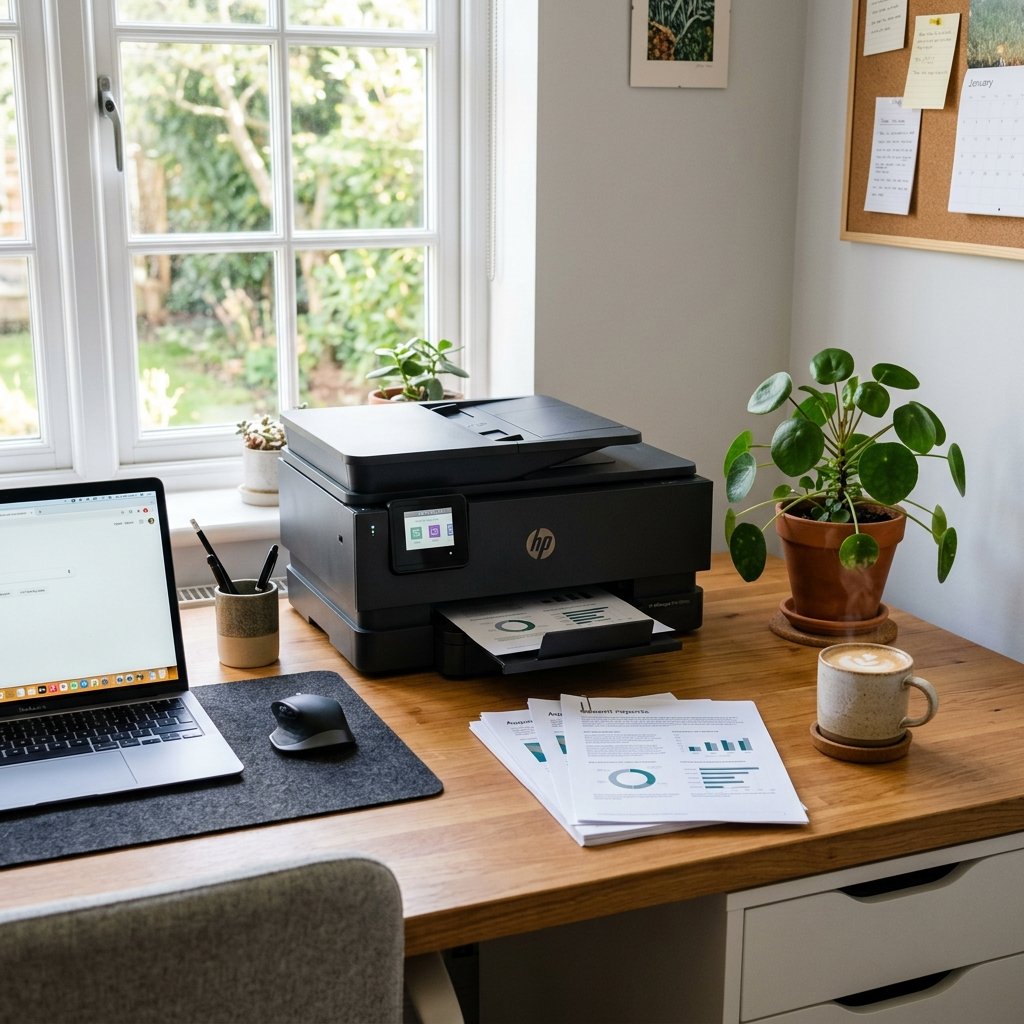
Place your printer on a flat, stable surface away from direct sunlight, heat sources, and humidity. Extreme temperatures can dry out ink cartridges and warp paper. Good airflow around the printer also prevents overheating during large print jobs.
6. Manage the Print Queue Efficiently
Avoid sending multiple large jobs simultaneously. Print one document at a time for best performance. Clear stalled jobs from the print queue regularly to prevent the spooler from becoming unresponsive.
7. Restart the Printer Periodically
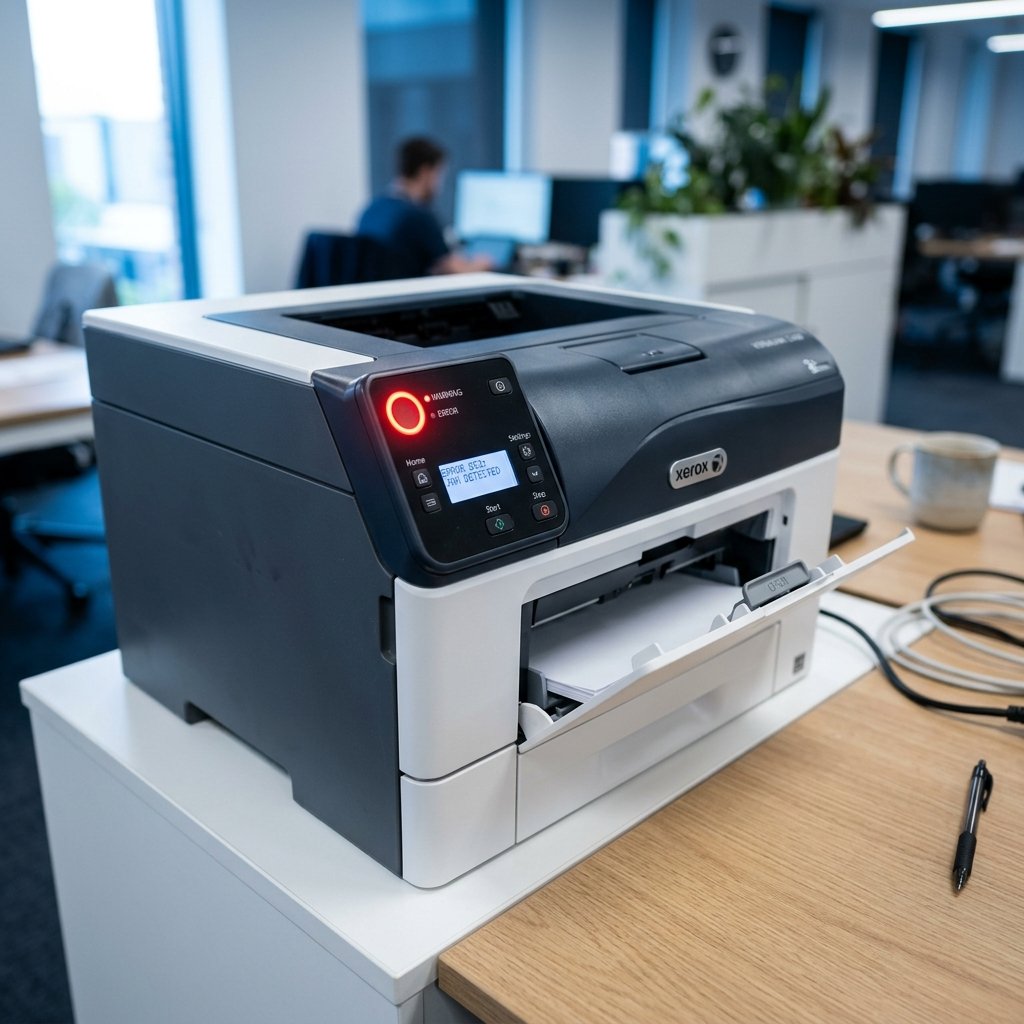
Like all electronic devices, printers benefit from a periodic restart. Power cycling clears memory, resets connections, and resolves minor glitches. Make it a habit to turn off your printer when not in use — this also extends its lifespan.
8. Use Genuine Ink Cartridges
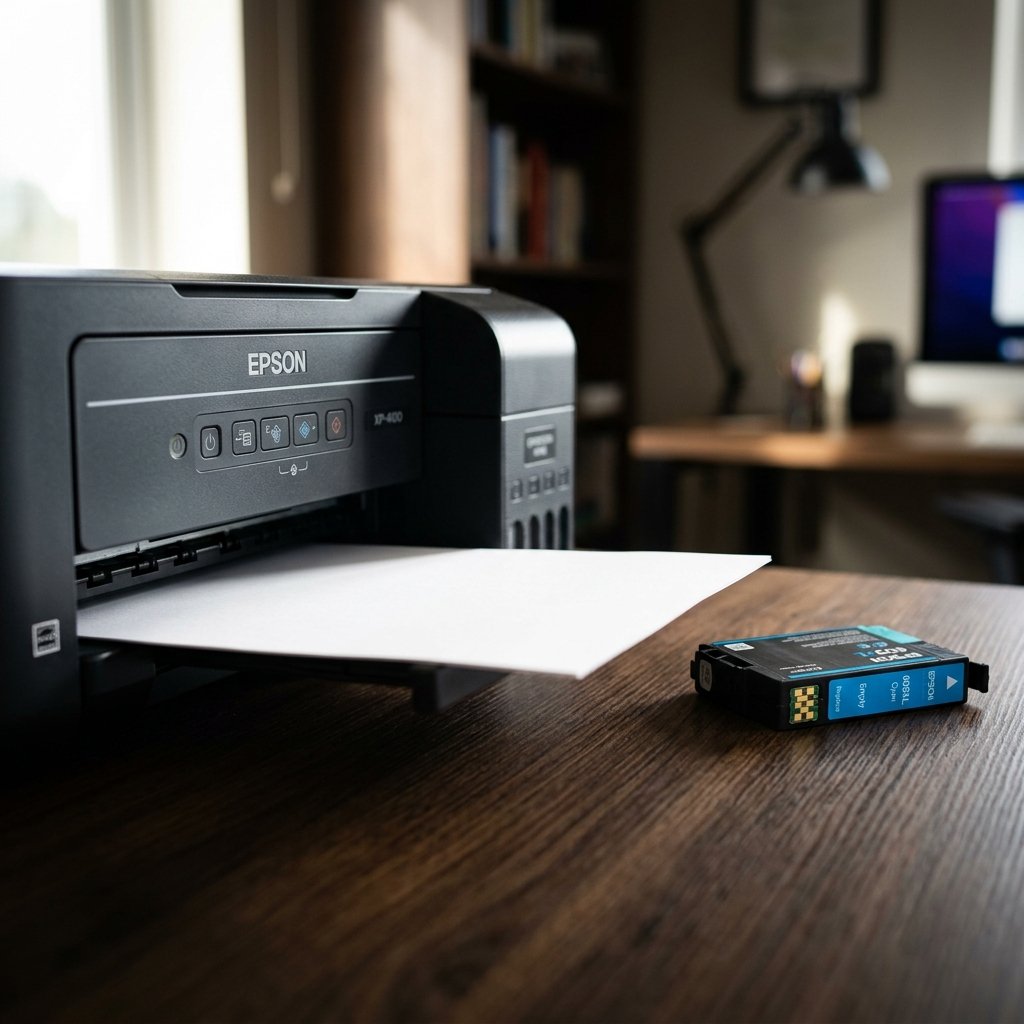
Third-party cartridges may save money upfront but often cause printhead clogs, inconsistent output, and even hardware damage. Genuine cartridges are formulated to work optimally with your specific printer model.
Conclusion
Improving home printer performance is about forming good habits — regular cleaning, correct settings, quality supplies, and timely updates. These small steps compound into significantly better performance and a longer printer lifespan.