A well-maintained printer can last 5–10 years or more. Neglecting basic maintenance leads to poor print quality, frequent breakdowns, and costly repairs. Here's your complete printer maintenance checklist.
1. Clean the Exterior Regularly
Dust and debris accumulate on and around printers, especially near vents and the paper tray. Wipe the exterior with a soft, slightly damp cloth monthly. Never use harsh chemicals or abrasive materials that could damage the casing or display screen.
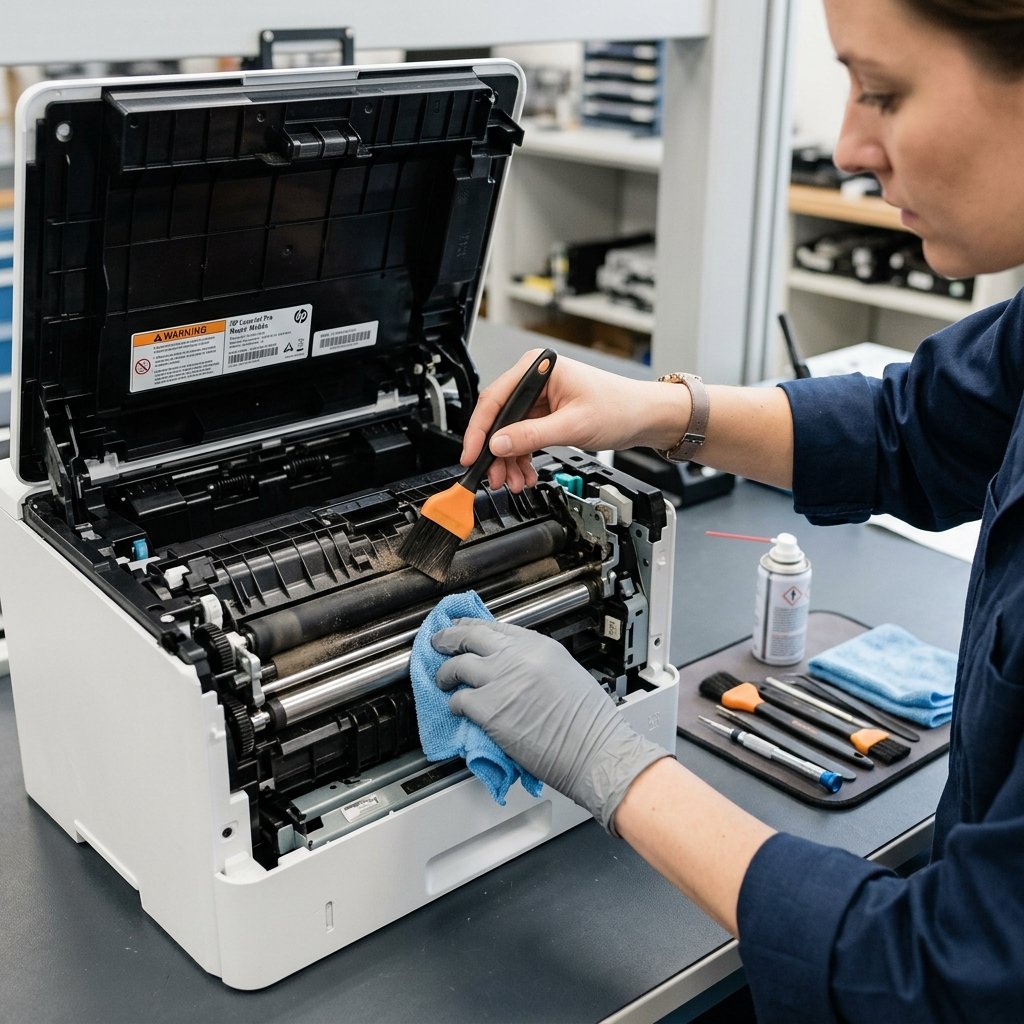
2. Clean the Interior and Paper Path
Dust inside the printer can cause paper feed problems and dirty prints. Turn off and unplug the printer before internal cleaning. Use compressed air (in short bursts) to clear dust from the interior. Wipe paper feed rollers with a lint-free cloth slightly dampened with water or isopropyl alcohol.
3. Perform Printhead Cleaning (Inkjet)
For inkjet printers, run the printhead cleaning utility every 1–2 months or whenever you notice streaking or fading. Most printers have this function in the maintenance menu or the companion software. Follow it with a nozzle check to confirm all channels are clear.
4. Calibrate the Printer Regularly
Printer calibration ensures accurate color reproduction and alignment. Run the calibration or alignment process from the printer's menu or software — especially after installing a new cartridge. This takes under two minutes and significantly improves output quality.
5. Update Firmware and Drivers
Manufacturers release firmware updates that fix performance issues, improve compatibility, and sometimes add features. Check the manufacturer's website quarterly for driver and firmware updates. Many modern printers can update firmware via Wi-Fi automatically.
6. Inspect and Clean the Scanner Glass (MFPs)
For all-in-one printers with scanning capability, the glass surface should be cleaned with a non-abrasive glass cleaner and a microfiber cloth. Smudges and fingerprints cause scan lines and reduced scan quality.
7. Check and Replace Worn Parts
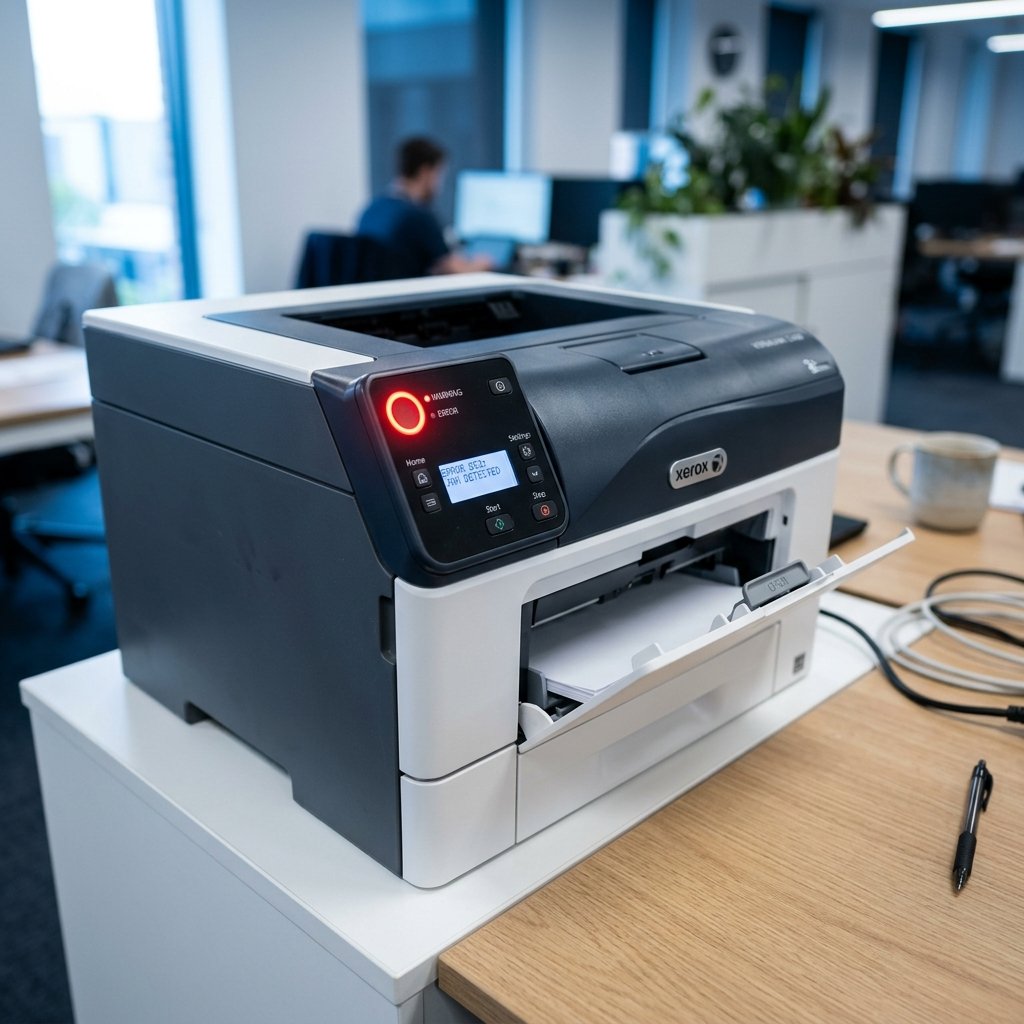
Printer rollers, separation pads, and fuser units have defined lifespans. Most printers display a maintenance alert when these components need attention. Replacing worn parts proactively prevents paper jams and feed errors. Check your printer's page count against the manufacturer's recommended replacement intervals.
8. Use Your Printer Regularly
Infrequent use causes more problems than heavy use. For inkjet printers especially, printing at least once per week prevents ink from drying in the printhead. If you're going away for an extended period, use the printer's proper shutdown procedure to cap the printhead.
9. Store Paper Correctly
Store paper in its original wrapping or a sealed container to prevent moisture absorption. Damp paper causes jams, smearing, and feed errors. Never overfill the paper tray — follow the maximum capacity markings.
10. Schedule Professional Servicing
For high-volume office printers, annual professional servicing is worthwhile. A technician can clean internal components that are inaccessible to users, replace worn parts, and perform a full calibration.
Conclusion
Printer maintenance is straightforward and requires only a small time investment. By following this checklist regularly, you will enjoy consistent print quality, fewer breakdowns, and a significantly longer printer lifespan.